Problems and Solutions
Problem
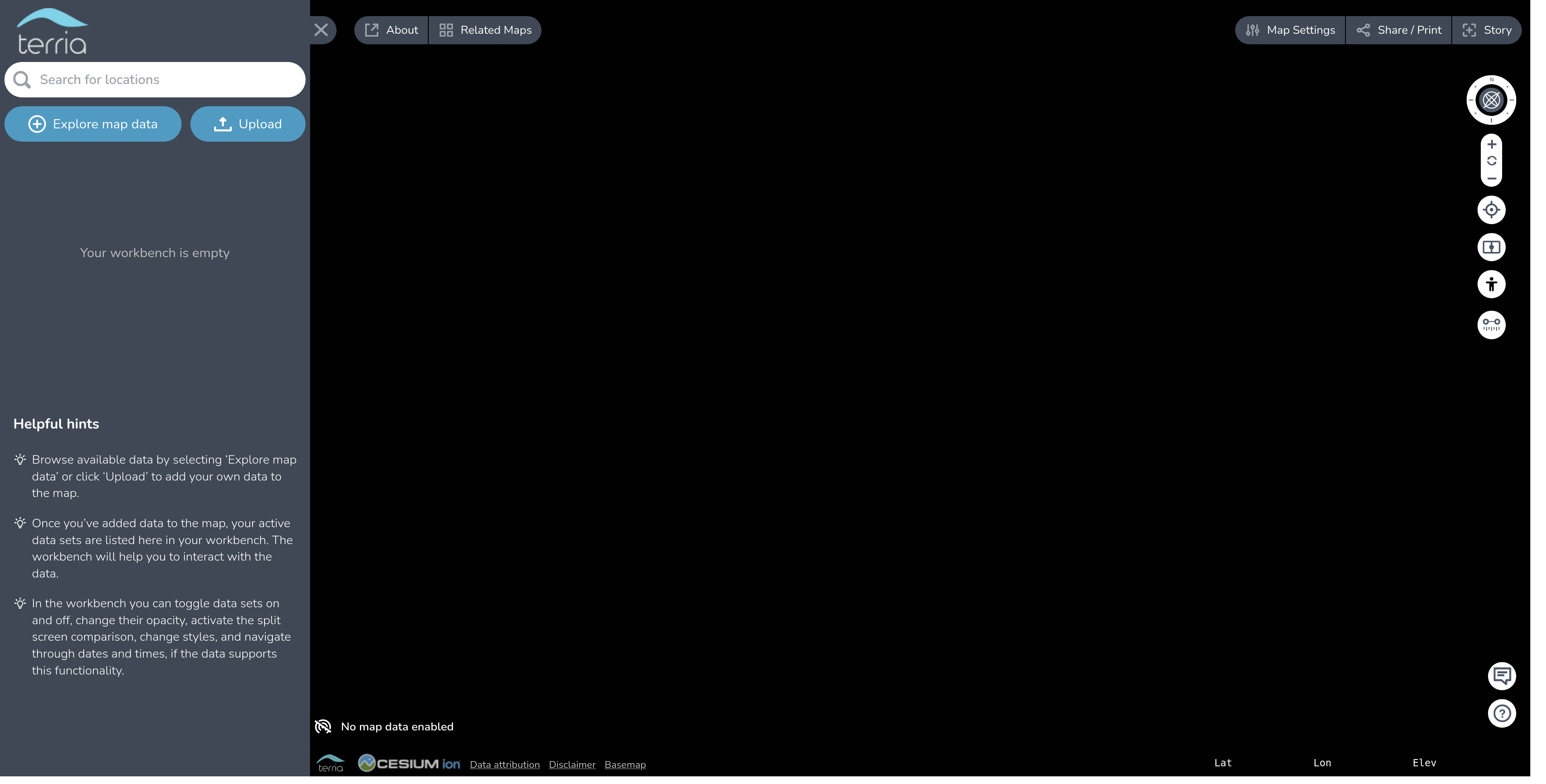
TerriaJS app is accessible at http://localhost:3001 but it does not render a map.
Workaround
The default TerriaJS configuration uses Cesium Ion for serving some of its basemaps. If the Cesium Ion access token has expired then these basemaps will fail to render. We recommend that you register and use your own Cesium Ion access token. Please see the documentation on client side configuration for configuring your access token. Also note that it is a violation of the Ion terms-of-use to use the default key in a deployed application.
Problem
The build throws an error like:
You have two copies of terriajs-cesium
Solution
Both packages/terriajs and apps/terriamap depend on terriajs-cesium. If their declared versions have drifted apart — usually because it was bumped in TerriaJS but not in TerriaMap — pnpm installs two copies. Check with:
pnpm why terriajs-cesium
If more than one version is listed, update the terriajs-cesium version in apps/terriamap/package.json to match the one in packages/terriajs/package.json, then run pnpm install.
Problem
I already have NodeJS installed, but I need the version TerriaJS expects.
Solution
You can use nvm to manage multiple versions of NodeJS.
Follow installation instructions here.
The repo pins its Node version in .nvmrc, so from the repo root you can run:
nvm install   # installs the version in .nvmrc
nvm use       # switches to it
Problem
A build fails with Module not found (or a TypeScript Cannot find module) for a package you can see is used.
Solution
It is most likely an undeclared dependency. pnpm's isolated node_modules only exposes the packages a project actually declares, so an import that used to resolve through hoisting now fails. Add the missing package to that project's package.json (dependencies or devDependencies) and run pnpm install — don't rely on a transitive dependency being reachable.